What Umoja Business Cloud is
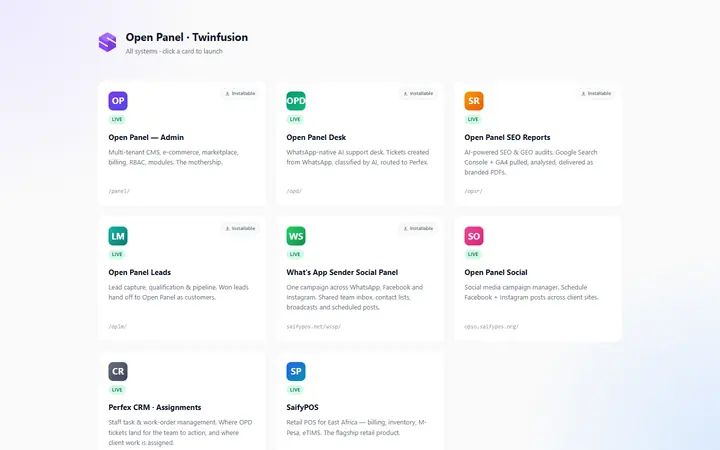
Umoja Business Cloud is TwinFusion's multi-tenant business software platform, built so that many Kenyan organisations can share one hosted system. Each organisation has its own data and branding, switches on only the modules it needs from a built-in marketplace, and pays per active module.
Its modules cover CRM, business ERP with a point-of-sale register, facility management, work orders, accounting, schools, property, SACCOs and chamas, churches, HR and payroll, and inventory. Businesses can buy modules online, connect their own M-Pesa till or paybill, and give their customers a portal for invoices, quotations and work orders.
How Umoja Business Cloud works
Overview
Umoja Business Cloud is a multi-tenant platform that many organisations share. Each organisation is a separate tenant with its own data and branding, activates only the modules it needs, and pays per active module. A public website with pricing and online checkout lets a business choose and buy modules, and a separate portal gives its customers access to their own documents.
Who uses it
- Platform owner — uses a super-admin dashboard with a view across all organisations.
- Organisation staff — sign up, complete onboarding and work in the modules their organisation has switched on.
- Customers of each organisation — sign in to a separate portal to see their own invoices, estimates, quotations and work orders.
Main modules
- CRM — customers, contacts, leads, pipeline, activities, tasks, tickets, projects, contracts, estimates, quotations, proposals, expenses and invoices.
- Business ERP — products, suppliers, purchases, quotes, invoices, subscriptions, accounts, bills of materials, production runs, a point-of-sale register and reports.
- Facility management — buildings, assets, warehouses, requisitions, procurement quotations, LPOs, goods receipts, stock movements and work orders on a kanban board.
- Work orders — customers and work orders on a kanban board.
- Accounting — chart of accounts, journals and trial balance.
- Sector modules — School (students, classes, fees), Property (properties, units, leases), SACCO & Chama (members, contributions, loans) and Church (members, attendance, events, giving).
- HR & Payroll and Inventory — employees, leave and payroll; products, stock and suppliers.
How it works
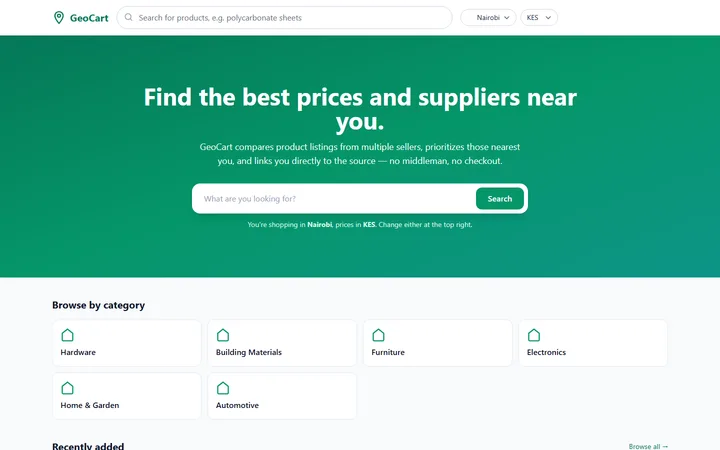
- A business compares plans on the public pricing page and buys modules through the online storefront.
- It registers, and onboarding sets up its own organisation account.
- Staff switch modules on or off from the in-app marketplace and work in them day to day.
- Invoices, estimates, quotations, LPOs and other documents are produced as PDFs and emailed to customers.
- Customers sign in to the portal to download their documents and comment on their work orders.
- M-Pesa payments made to the organisation's own till or paybill are confirmed automatically.
Integrations
- M-Pesa — each organisation connects its own till or paybill, with payment prompts and automatic confirmation.
- Email — PDF documents sent straight from the platform.
Platforms and access
- Web-based, with separate sign-ins for organisation staff and for their customers.
- Each organisation's data is kept separate, and the platform owner has a dedicated cross-organisation dashboard.