What QR Studio is
QR Studio is TwinFusion's dynamic QR code system for printed marketing. A code on a property sign, window card, flyer or t-shirt points to a short link the business controls, so the page behind it can be changed at any time without reprinting.
It exports true vector artwork (SVG and EPS) that sign shops and screen printers can use, counts scans without storing visitors' IP addresses, and captures leads: each sign's code can open a short branded enquiry form, and every enquiry is tagged to the sign that produced it, showing which board actually brings in business.
On the phone, too
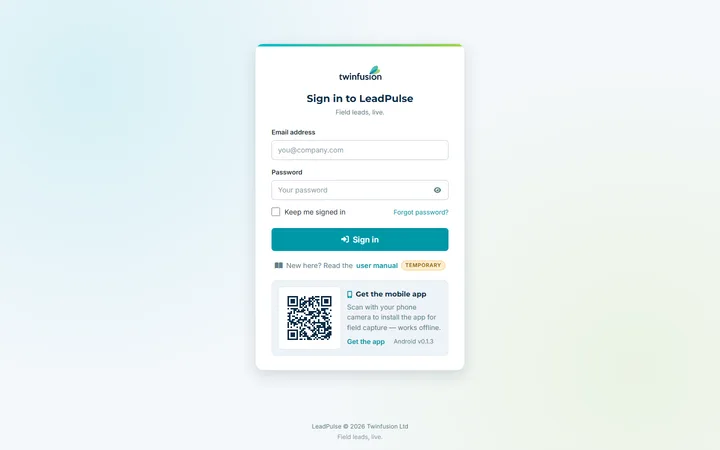
An Android companion app is in development, working against the same account. It covers sign-in, the list of codes, the designer, code details with scan analytics, a camera scanner and settings.
How QR Studio works
Overview
QR Studio creates dynamic, print-ready QR codes and captures the leads they bring in. A printed code is permanent but the page behind it is not, so each code carries a short link whose destination can be changed at any time without reprinting. Enquiries are tied to the specific sign or print that produced them.
Who uses it
- Workspace owner — designs codes, repoints them, follows scan figures and works the leads; one installation holds separate workspaces for different clients or campaigns.
- Prospects — scan a code and land on the current page or a short enquiry form, with no login.
- Printers and sign shops — receive vector artwork ready for production.
Main modules
- Configurator — a split-screen designer with live preview and t-shirt, property-sign and flyer mock-ups.
- Dashboard — repoint, pause and restyle printed codes, with scan analytics.
- Leads — a summary for each location plus recent enquiries.
- Short links — the addresses every printed code points to.
- User manual and privacy pages — public help and policy pages.
How it works
- Design — choose dot and corner styles, a solid colour or gradient, a logo, margin and a call-to-action caption. When a logo is added, the code switches to its strongest error correction so it still scans on creased fabric.
- Export — download SVG or PNG, or EPS built from genuine vector paths for printers and sign shops.
- Print and repoint — a printed code can be pointed at a new page at any time, and every change is kept in a history.
- Count scans — each scan is logged and redirected; unique devices are counted without storing IP addresses, and link previews in WhatsApp, Slack or Facebook are left out so a shared link does not inflate the figures.
- Capture leads — a location's code can open a short branded form asking property type, area of interest and budget, plus a WhatsApp number; incomplete or automated submissions are discarded, and the thank-you page offers a one-tap WhatsApp message pre-filled with the answers.
Integrations
- WhatsApp — a one-tap message from the enquiry thank-you page.
- Location lookup — optional, and off by default.
Platforms and access
- Web app; the designer and dashboard need a sign-in, while scan links, the user manual and privacy pages stay public so a printed code never lands on a login screen.
- An Android companion app is in development.